Stop Just Using AI. Start Building With It.
Learn how AI actually works, then use it to turn your own ideas into programs, agents, apps, games, and creative projects.

"If it doesn't help you build something, it doesn't belong in this school."
— Cyberical Academy
AI Is Easy to Use. Building With It Is Different.
Anyone can type a question into an AI tool.
But what happens when you want to build your own idea?
Suddenly you're dealing with code, prompts, logic, errors, and a dozen things nobody explained.
Foundations gives you a place to start.
No endless tutorials. No pretending you understand something when you don't. You learn by building, testing, breaking things, and figuring out how to make them work.

What you'll learn
What you'll be able to do
- Turn an idea in your head into a working program you built yourself.
- Give AI clear instructions and get results that are closer to what you actually want.
- Build your own AI agent that can remember information, use tools, and work toward a goal.
- Create interactive apps, games, audio, images, and experiences instead of just consuming them.
- Learn how to find what went wrong, fix it, and keep building when something breaks.
- Learn through Playful Logic with games, challenges, experiments, and interactive projects that turn new concepts into things you can play with, test, and build.
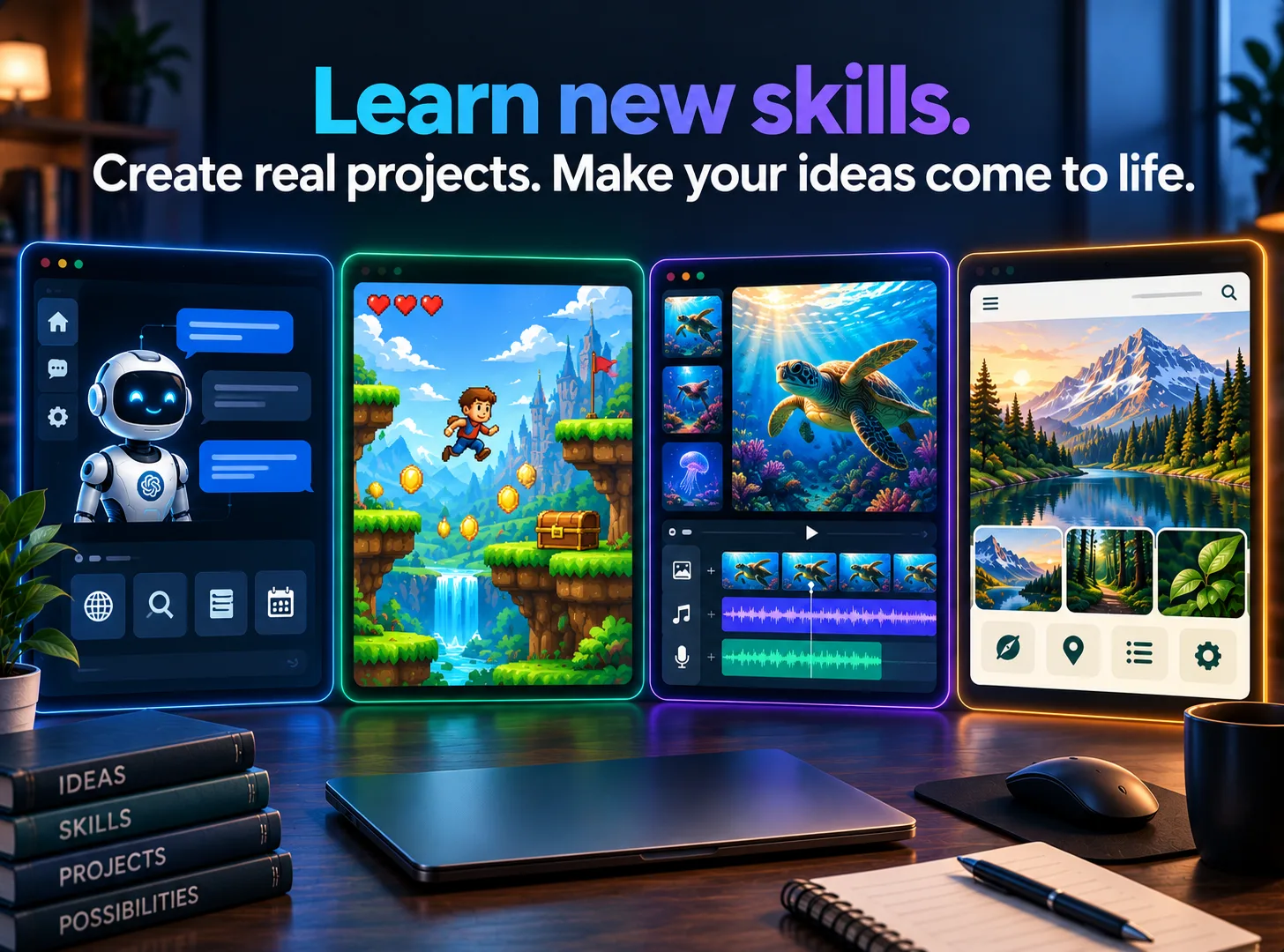
Don't Just Learn It. Build It.
Every new skill leads to something you can make.
An AI Agent
Give it a goal, memory, and tools, then watch it work.
An Interactive App or Game
Turn your code into something another person can actually use or play.
An Original AI Creation
Combine AI with images, sound, storytelling, or other creative media.
Your Final Project
Bring everything together into one original creation that is yours.
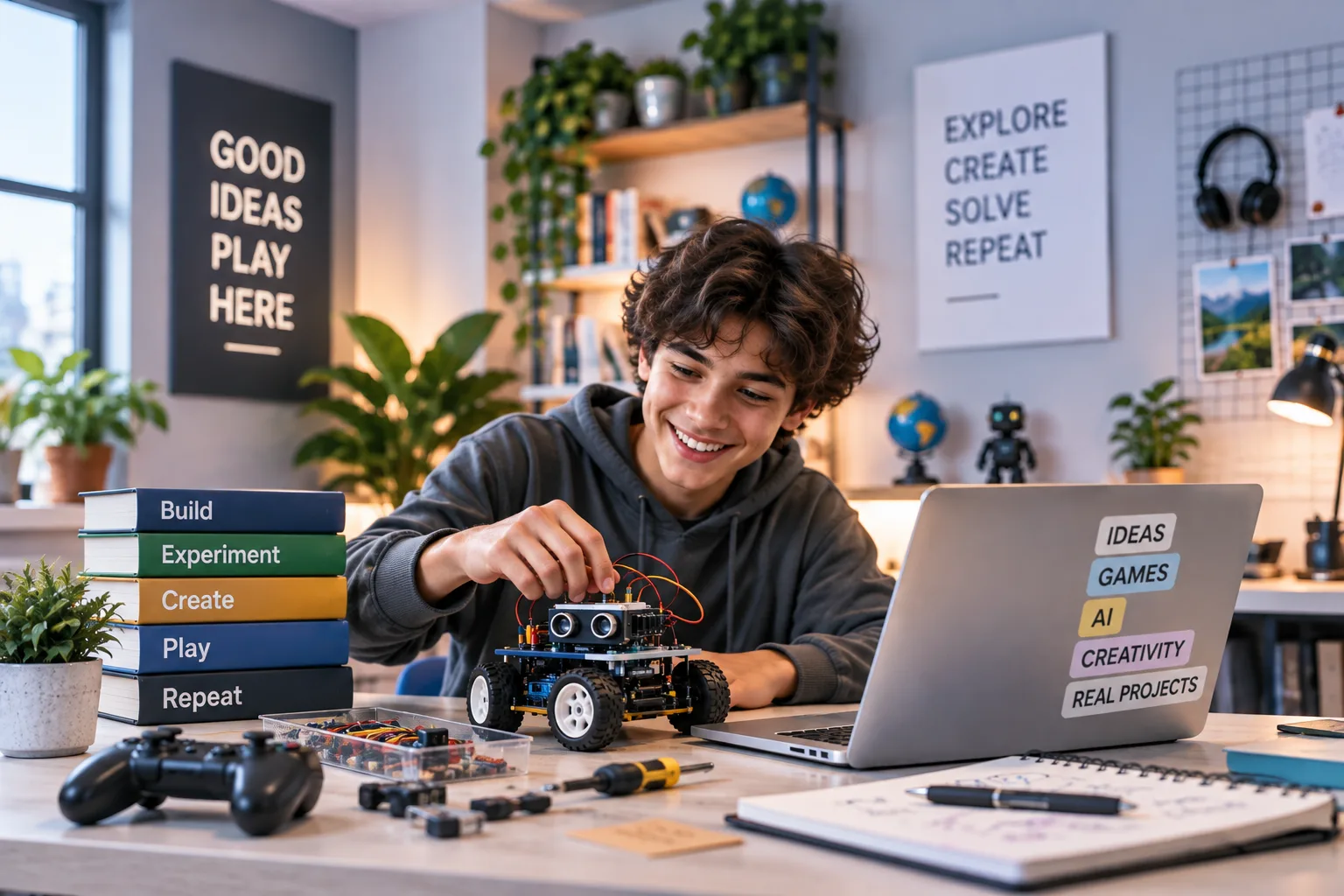
Learning Should Be Fun
Cyberical Academy uses the Playful Logic approach, blending education with entertainment so learning happens through games, challenges, experiments, and hands-on creation. Instead of just watching or reading, you play with ideas, test what happens, solve problems, and build things of your own.
Play It
Turn concepts into games, puzzles, and interactive challenges.
Test It
Experiment with AI, code, logic, images, sound, and more.
Break It
Find out what happens when things go wrong, then figure out why.
Make It Yours
Change the rules, remix what you built, and create something original.
How it works
Start Where You Are. Build From There.
You don't need to know Python. You don't need to understand AI. You just need to be curious enough to start.
Start at Your Level
A quick placement check finds the right starting point for you.
Learn by Building
Lessons adapt as you progress, with every new concept connected to something you can make.
Keep Moving
Your AI coach gives you feedback and checkpoints so getting stuck doesn't mean staying stuck.
The curriculum
What's inside your school
12 modules · 89 lessons
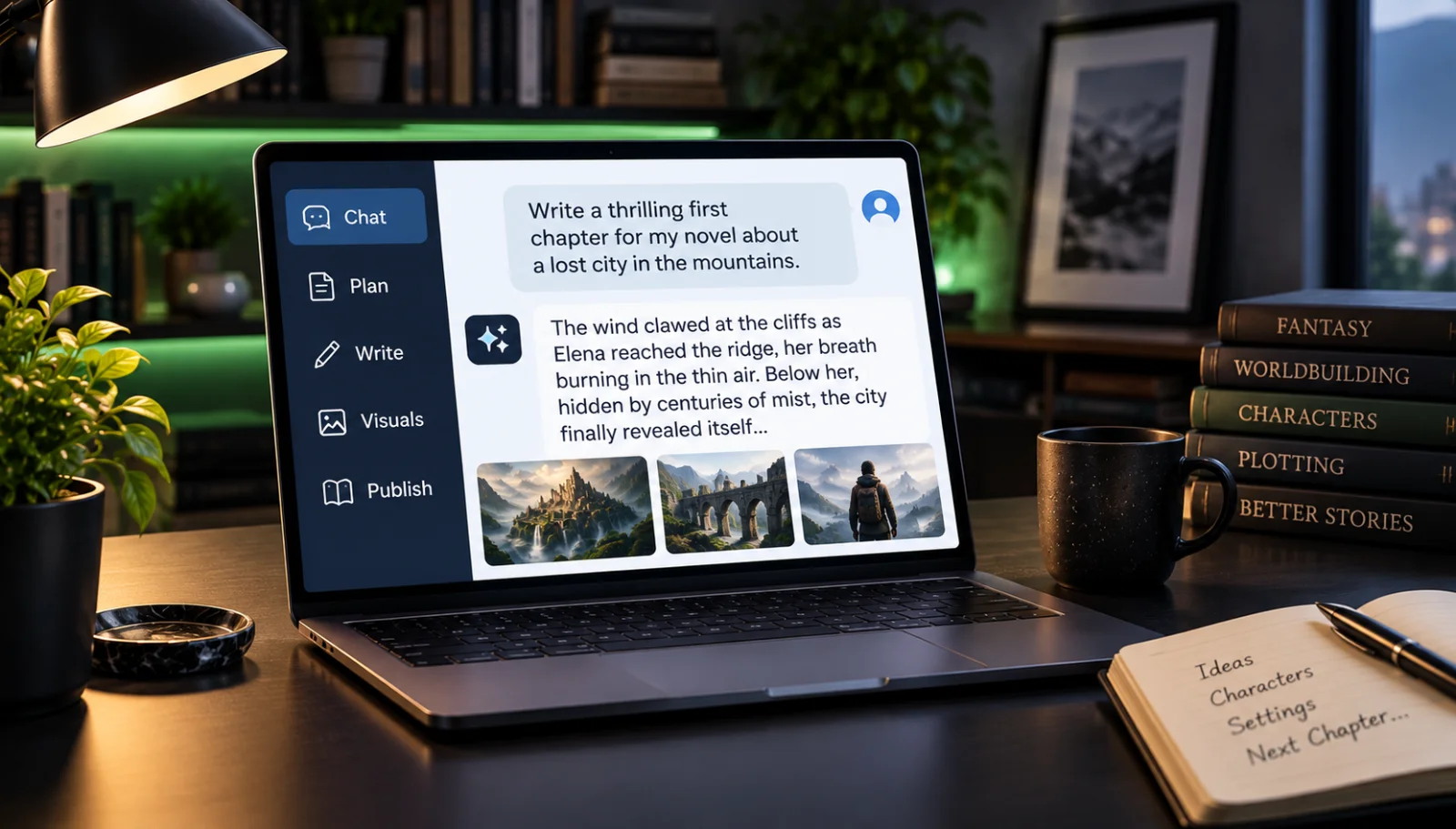
Introduction to Generative AI
Builds the mental models students need to understand what generative AI is, how to direct it, and how to judge and improve what it creates.
- 1.1Understand What Generative AI Is and What You Can Create With ItIncluded
- 1.2Learn How Humans Give Instructions to Computers and AIIncluded
- 1.3Understand the Difference Between Intent and InstructionIncluded
- 1.4Use the Generation Loop to Create, Judge, and Improve AI OutputsIncluded
- 1.5Compare How Instructions Work in AI Prompting, Coding, and AlgorithmsIncluded
- 1.6Test and Improve Instructions to Get Better ResultsIncluded
Python Foundations
Covers the essential Python building blocks — variables, data types, input/output, strings, and error-reading — needed to write real interactive programs.
- 2.1Understand What Python Is and How It Powers Creative TechnologyIncluded
- 2.2Use Variables to Store and Change InformationIncluded
- 2.3Work With Text, Numbers, and User Input in PythonIncluded
- 2.4Use Print and Input to Make a Program InteractiveIncluded
- 2.5Combine Information Using Strings and F-StringsIncluded
- 2.6Read Python Error Messages and Fix Basic MistakesIncluded
- 2.7Build Your First Interactive Python ProgramIncluded
Logic and Algorithms
Teaches students to think algorithmically and translate real-world decision logic into Python using conditionals, comparisons, and decision trees.
- 3.1Understand How Algorithms Turn Ideas Into Step-by-Step InstructionsIncluded
- 3.2Understand How Computers Use True and False to Make DecisionsIncluded
- 3.3Use If, Elif, and Else to Create Different OutcomesIncluded
- 3.4Use Comparison Operators to Test InformationIncluded
- 3.5Combine Conditions Using And, Or, and NotIncluded
- 3.6Build Decision Trees to Plan Different Paths Through a ProgramIncluded
- 3.7Create a Choose-Your-Path Interactive StoryIncluded
Loops and Creative Generators
Introduces lists, for loops, while loops, and randomness so students can make programs that repeat, iterate, and generate surprising creative output.
- 4.1Understand How Loops Let Programs Repeat ActionsIncluded
- 4.2Use Lists to Organize Groups of InformationIncluded
- 4.3Use For Loops to Repeat Instructions Across a ListIncluded
- 4.4Use While Loops to Repeat Actions Until Something ChangesIncluded
- 4.5Use Randomness to Create Different ResultsIncluded
- 4.6Combine Lists, Loops, and Rules to Generate New OutputsIncluded
- 4.7Build Your Own Creative Python GeneratorIncluded
Give Your Programs Memory
Covers dictionaries, file saving, and JSON so students can build programs that persist information and change behavior based on what they remember.
- 5.1Understand Why Memory Makes Programs More UsefulIncluded
- 5.2Use Dictionaries to Store Related InformationIncluded
- 5.3Save Information So a Program Can Use It LaterIncluded
- 5.4Load Saved Information Back Into a ProgramIncluded
- 5.5Understand How JSON Organizes and Stores DataIncluded
- 5.6Make a Program Remember Previous User InputsIncluded
- 5.7Build a Program That Changes Based on What It RemembersIncluded
Functions and Reusable Tools
Teaches students to write clean, modular Python by defining functions, passing parameters, returning values, and assembling multiple functions into larger programs.
- 6.1Understand How Functions Turn Code Into Reusable ToolsIncluded
- 6.2Create a Function to Complete a Specific TaskIncluded
- 6.3Use Parameters to Give Information to a FunctionIncluded
- 6.4Use Return Values to Get Information Back From a FunctionIncluded
- 6.5Understand How Information Moves Through FunctionsIncluded
- 6.6Combine Multiple Functions to Build a Larger ProgramIncluded
- 6.7Build Your Own Collection of Reusable Python ToolsIncluded
Build Your First AI Agent
Takes students from understanding what an agent is all the way to building a working AI agent with a goal, decision rules, persistent memory, and callable tools.
- 7.1Understand What an AI Agent Is and What It Can DoIncluded
- 7.2Learn How an Agent Perceives, Thinks, and ActsIncluded
- 7.3Give an AI Agent a Clear GoalIncluded
- 7.4Create Rules That Control What an Agent Can DoIncluded
- 7.5Give an AI Agent Memory to Track InformationIncluded
- 7.6Give an AI Agent Tools It Can Use to Take ActionIncluded
- 7.7Teach an Agent When to Continue and When to StopIncluded
- 7.8Build a Simple AI Agent With a Goal, Memory, and ToolsIncluded
Prompting as Programming
Trains students to write, structure, test, and refine prompts with the same precision and iteration they bring to writing code.
- 8.1Understand How Prompts Give Instructions to Generative AIIncluded
- 8.2Write Clear Prompts With a Specific Task and GoalIncluded
- 8.3Add Context to Help AI Understand What You WantIncluded
- 8.4Use Constraints to Control AI-Generated ResultsIncluded
- 8.5Use Examples to Guide AI Toward Better OutputsIncluded
- 8.6Test Different Prompt Versions and Compare the ResultsIncluded
- 8.7Identify AI Hallucinations and Check Outputs for MistakesIncluded
- 8.8Build a Personal Playbook of Prompts You Have Tested and ImprovedIncluded
AI Images and Digital Creation
Teaches students to direct AI image generation with intention — controlling composition, lighting, color, mood, and visual style across a cohesive body of work.
- 9.1Understand How Generative AI Can Create ImagesIncluded
- 9.2Write Image Prompts That Clearly Describe What You WantIncluded
- 9.3Control Composition to Change How an Image LooksIncluded
- 9.4Use Lighting, Color, and Mood to Shape an ImageIncluded
- 9.5Create a Consistent Visual Style Across Multiple ImagesIncluded
- 9.6Test and Revise Prompts to Improve AI-Generated ImagesIncluded
- 9.7Build Your Own Visual Style Guide and Image CollectionIncluded
AI Sound, Voice, and Storytelling
Explores how AI tools generate and shape audio, and teaches students to direct voice, music, and sound to craft complete, emotionally resonant audio stories.
- 10.1Understand How AI Can Help Generate and Shape AudioIncluded
- 10.2Explore How Voice, Music, and Sound Effects Create Different FeelingsIncluded
- 10.3Use Rhythm, Pacing, and Silence to Shape an Audio ExperienceIncluded
- 10.4Write and Direct Narration for an Audio StoryIncluded
- 10.5Combine Voice, Music, Ambience, and Sound EffectsIncluded
- 10.6Test and Improve AI-Assisted AudioIncluded
- 10.7Create a Short Original Audio StoryIncluded
Build Apps and 2D Games
Turn your code into something people can actually use or play by learning how to create interactive apps and simple 2D games.
- 11.1Understand How an App Turns Code Into Something People Can UseIncluded
- 11.2Understand the Difference Between an Interface and the Logic Behind ItIncluded
- 11.3Design Inputs and Outputs for an Interactive AppIncluded
- 11.4Plan How a User Moves Through an AppIncluded
- 11.5Check User Input and Handle Simple ErrorsIncluded
- 11.6Understand the Basic Logic Behind a 2D GameIncluded
- 11.7Use Rules, State, and Events to Make a Game InteractiveIncluded
- 11.8Turn One of Your Projects Into a Simple App or 2D GameIncluded
Build Your Generated AI Project
Bring everything you’ve learned together to plan, build, test, and present an original Generated AI creation.
- 12.1Choose a Final Project That Combines What You Have LearnedIncluded
- 12.2Plan the Logic, AI, and Creative Elements of Your ProjectIncluded
- 12.3Build the Python Logic Behind Your ProjectIncluded
- 12.4Add an AI Agent With a Clear Goal, Memory, or ToolsIncluded
- 12.5Create Original Images, Audio, or Other Media for Your ProjectIncluded
- 12.6Turn Your Work Into an App, Game, Interactive Book, or Creative ExperienceIncluded
- 12.7Test Your Project and Find What Needs ImprovementIncluded
- 12.8Revise Your Project Based on Testing and FeedbackIncluded
- 12.9Explain How the Different Parts of Your Project WorkIncluded
- 12.10Present Your Finished Generated AI CreationIncluded
Who it's for
Is this you?

The Creative Teen
You want to go beyond consuming AI content and actually direct, build, and put your name on original AI-powered work.

The Career-Changer
You're switching industries and know AI literacy is the skill gap standing between you and the roles you want.

The Aspiring Developer
You've tried to learn coding before but bounced off abstract tutorials. Now you need projects and creative stakes to make Python stick.

The Digital Artist
You already create visually, and want to add AI image direction, consistent style guides, and audio storytelling to your creative toolkit.

The Curious Student
In school or just out of it, you want to understand how AI actually works under the hood, not just use the apps everyone else is using.

The Side-Project Builder
You have ideas for AI-powered tools and generators but need the Python, prompting, and agent-building skills to actually ship them.
Questions
Frequently asked
Your teacher
A note from your teacher

Cyberical Academy
Hey, I'm MG Montague. I'm really glad you're here. And I want to say something before anything else: if you've ever looked at the AI wave and thought "I want to make things with this, not just use it", this school was built for that exact feeling.
Maybe you've played with ChatGPT and wondered how to actually control it. Maybe you've seen AI art and wanted to direct something that feels like yours. Maybe you've thought about learning to code about seventeen times and stopped because it felt abstract and boring. I get it. Most tech education talks at you. It hands you concepts with no project attached, no reason to care. That's not what we're doing here.
At Foundations, every single thing you learn exists because it lets you build something real. Variables and loops? You need them for your creative generator. Functions and dictionaries? That's what gives your AI agent memory and tools. Prompt engineering? That's the craft of talking to AI precisely enough that it actually does what you imagined. Image direction, composition, lighting, audio storytelling, all of it is here because real AI projects combine all of these things, and I want you to be able to do that.
I should be honest with you: this is going to take focus. You're going to write code that breaks. You're going to generate images that don't look like what you wanted, and then figure out why and try again. That loop, create, judge, improve, is the core skill of every great builder, and you're going to practice it constantly here. The students who get the most out of this aren't the ones who find it easiest. They're the ones who stay curious one lesson past the point where it got hard.
What you'll walk away with isn't just knowledge, it's a way of thinking. You'll read a problem and see the algorithm in it. You'll write a prompt and know why it works. You'll look at an AI agent and understand every decision it's making. And you'll have the projects to prove it. That's the transformation I care about most.
So: come in, introduce yourself, start the first lesson. Let's build something together.
— Cyberical Academy
Start your journey today
Get instant access — learn at your own pace with an AI coach in your corner.
$39/mo
Recurring billing · cancel anytime
Secure checkout · Instant access
- 12 modules, 89 lessons
- AI-adaptive lessons tuned to your level
- Quizzes & checkpoints to lock in progress
- Your own AI learning coach
- Learn on any device, at your pace
- Full access for as long as you're subscribed